If you're searching for "Salesforce MCP", you're asking one of two things: does Salesforce have an MCP server? or how do I connect Salesforce to an AI assistant via the Model Context Protocol?
✅ Salesforce has an official MCP server. Details in the setup section below.
What Is MCP?
Model Context Protocol (MCP) is an open standard developed by Anthropic that lets AI assistants — like Claude — connect to external tools, APIs, and data sources in a standardised way.
Before MCP, every AI integration required bespoke tooling: custom prompts, custom API wrappers, and custom glue code to pass context back and forth. MCP replaces that with a common interface: the AI asks the MCP server for data or actions, the server returns structured results, and the AI uses them to answer your question or complete a task.
In plain terms: MCP is how you give an AI assistant live access to Salesforce — not just knowledge about it, but real, up-to-date data from your account.
What a Salesforce MCP Integration Does
Once Salesforce is connected via MCP, your AI assistant can:
- Read live data — pull records, metrics, activity, and status directly from Salesforce
- Take actions — create, update, or log records based on your instructions
- Cross-reference context — combine Salesforce data with other connected tools mid-conversation
The key difference from a standard chatbot: the assistant is not working from training data or memory. It is reading your actual Salesforce instance, in real time.
Practical Salesforce MCP Use Cases
Live deal context in every conversation
Ask your AI assistant to pull up a deal's current stage, last activity, and open tasks — then draft a follow-up or coaching note — without switching out of your chat interface.
Contact and account enrichment
Have the assistant look up a contact in Salesforce mid-conversation and return structured fields: company, role, pipeline stage, and recent notes — to inform the current task.
Pipeline summaries on demand
"What deals are stalled in proposal stage?" The assistant queries Salesforce directly via MCP and returns a readable summary with suggested next actions.
CRM record creation from conversation
During a call debrief, the assistant captures structured output (contact, company, notes, next steps) and writes it back to Salesforce — one less thing to copy-paste.
Salesforce MCP: The Two Servers Nobody Tells You Apart
"Salesforce MCP" is not one thing, and picking the wrong one wastes a day. There are two official, first-party servers from Salesforce and they solve different problems:
| Server | Who runs it | Best for | Auth |
|---|---|---|---|
| Hosted MCP Servers | Salesforce (managed) | Getting an org's data, flows, and Apex actions in front of Claude / ChatGPT / Cursor without running anything yourself | Per-user OAuth 2.0 + PKCE |
Salesforce DX MCP Server (@salesforce/mcp) |
You (local npx process) |
Developer workflows: metadata deploy/retrieve, org management, code analysis, LWC scaffolding, DevOps Center | Your local sf CLI authorized orgs |
If your goal is "let the assistant answer questions about opportunities," that is the Hosted server. If your goal is "let me chat with my DX project and deploy metadata," that is the DX server. Most guides blend them into a single blob and leave you with a config that authenticates but does nothing.
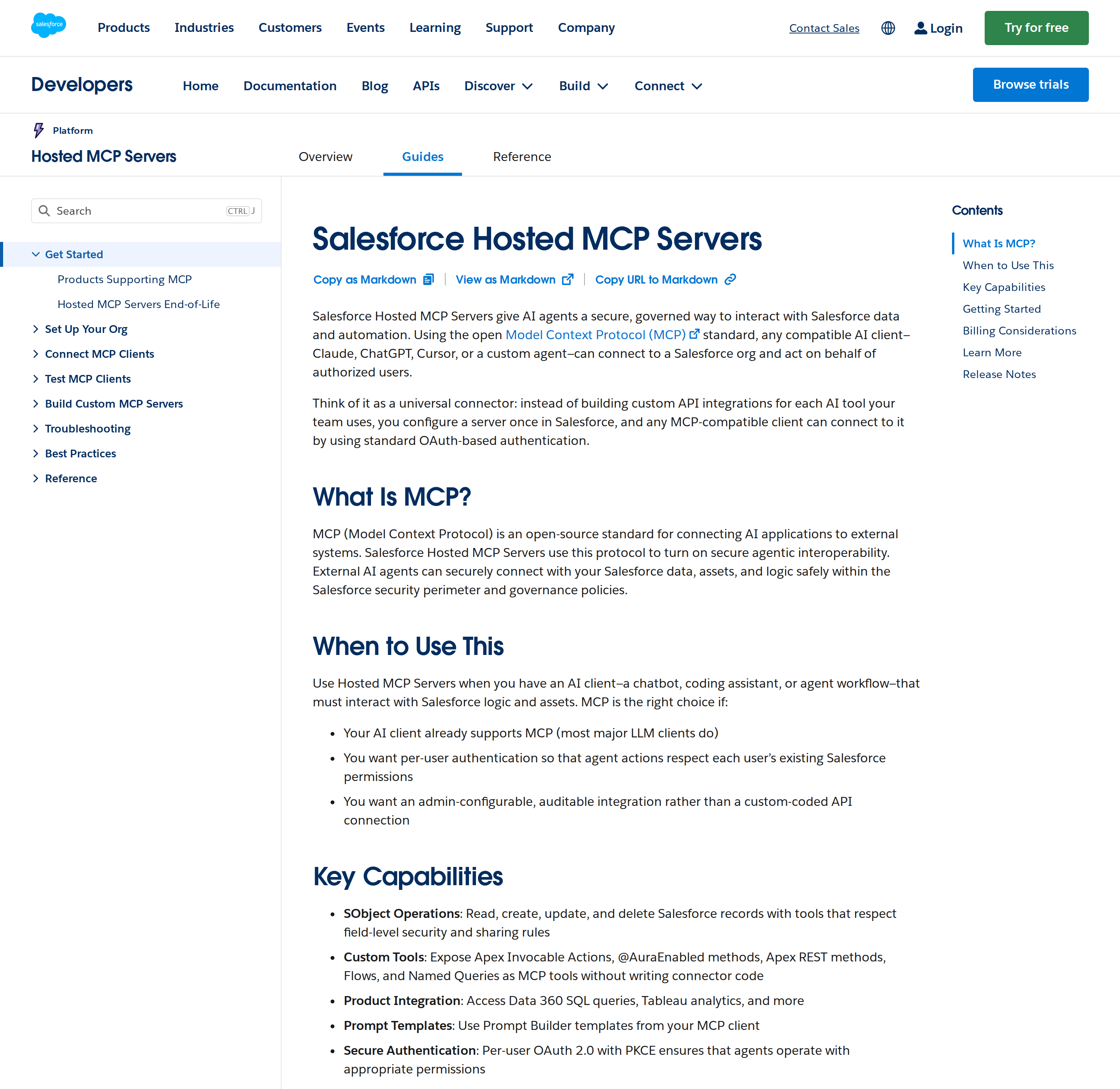
Hosted MCP Servers: out of beta, now GA
The base setup guide you may have read was written during the beta, which Salesforce announced in October 2025. That is no longer current: Salesforce Hosted MCP Servers reached General Availability in April 2026 and are production-ready for Enterprise Edition orgs and above.
What GA actually changed, compared to the beta guidance:
- Fully managed infrastructure. Salesforce hosts and scales the MCP servers the same way it hosts the REST API. You do not provision anything — you enable a server in Setup and it is live.
- Platform security applies automatically. CRUD permissions, field-level security (FLS), and sharing rules apply to every tool call, and every transaction runs as the authenticated user — no anonymous service account.
- OAuth 2.0 with PKCE controls access, per user.
- Prompt templates (Prompt Builder) can be surfaced as starting points for common tasks like account reviews or deal analysis.
Billing warning most articles skip: Hosted MCP Servers are intended for customers with Flex Credits, and you can be billed for server usage. This is not a free feature toggle. Confirm your Flex Credits position with your account executive before you turn it on for a whole org.
Standard servers: you choose what surface is exposed
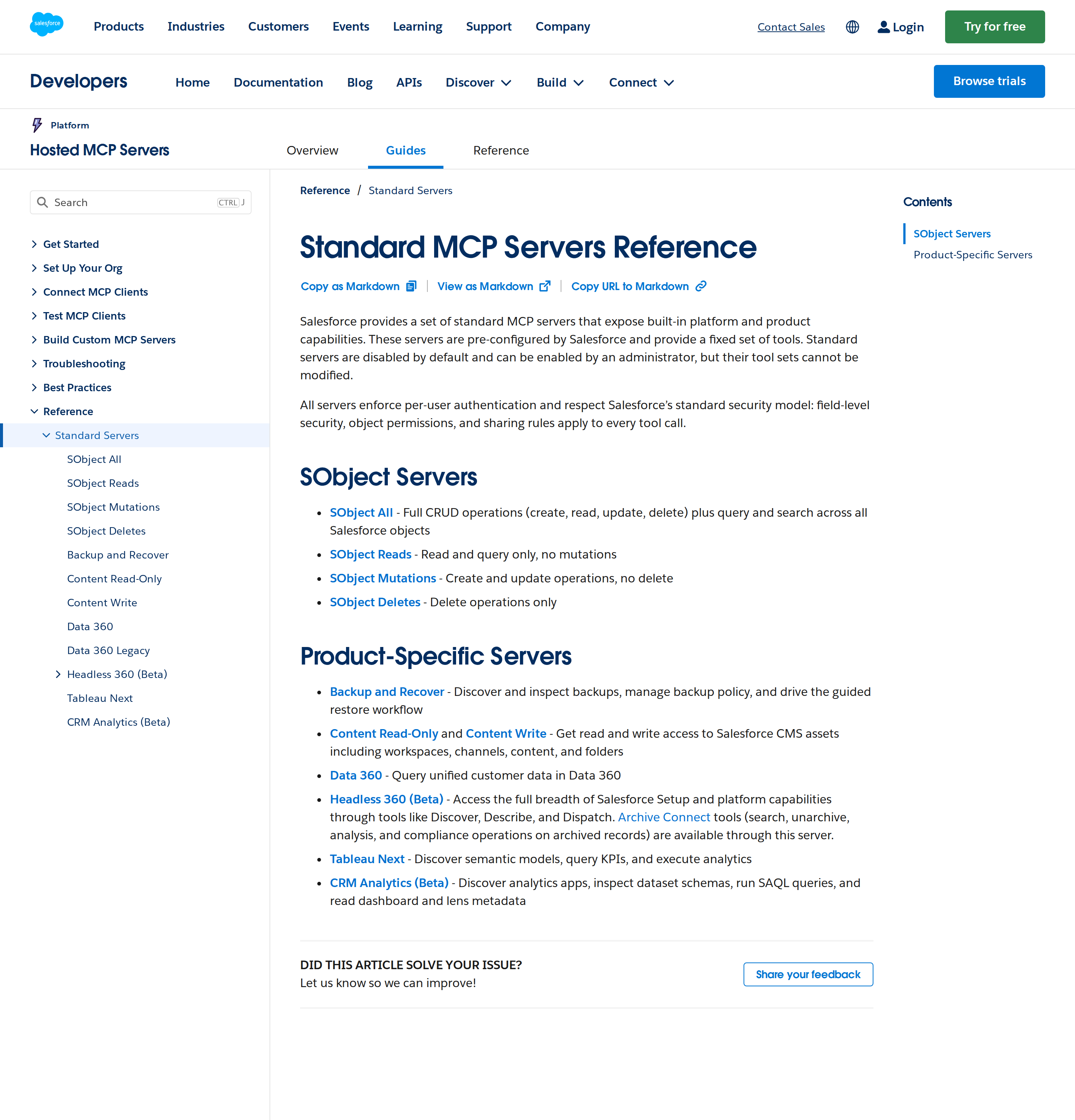
Salesforce ships a fixed set of standard servers, each with a fixed tool set. They are disabled by default and cannot be modified — only enabled or disabled by an admin. The important design decision is which server you enable, because "SObject All" and "SObject Reads" are very different blast radii:
| Standard server | What it exposes |
|---|---|
| SObject All | Full CRUD (create, read, update, delete) plus query/search across all objects |
| SObject Reads | Read and query only — no mutations |
| SObject Mutations | Create and update, no delete |
| SObject Deletes | Delete operations only |
| Data 360 | Query unified customer data in Data 360 |
| Tableau Next | Discover semantic models, query KPIs, run analytics |
| Headless 360 (Beta) | Broad Setup/platform access via Discover, Describe, Dispatch |
| Backup and Recover | Inspect backups, manage backup policy, drive guided restore |
| Content Read-Only / Content Write | Salesforce CMS assets: workspaces, channels, content, folders |
The safe default for a first connection is SObject Reads. Move to a write server only after you have decided which users are allowed to let an agent mutate records.
Custom tools: expose your own logic
Beyond standard servers, you can expose Apex Invocable Actions, @AuraEnabled methods, Apex REST methods, Flows, and Named Queries as MCP tools without writing connector code. This is the real enterprise unlock: the tool the agent calls is your own validated business logic, not a raw record write. If a "update close date" action has business rules attached, wrap it as an invocable action and expose that, rather than exposing SObject Mutations on the Opportunity object.
Connecting a client
Any MCP-compatible client (Claude, ChatGPT, Cursor, or a custom agent) connects with standard OAuth-based authentication. In practice the flow is:
- An admin enables the server in Salesforce Setup.
- The client is pointed at the org's MCP endpoint and the user completes an OAuth + PKCE consent flow in the browser.
- Because auth is per-user, the agent then sees exactly what that user can see — no more.
The DX MCP Server: for developers, not for CRM questions
The Salesforce DX MCP Server is a local, first-party server published as the npm package @salesforce/mcp (Apache-2.0, source at github.com/salesforcecli/mcp). It runs on your machine via npx and talks to orgs you have already authorized with the Salesforce CLI.
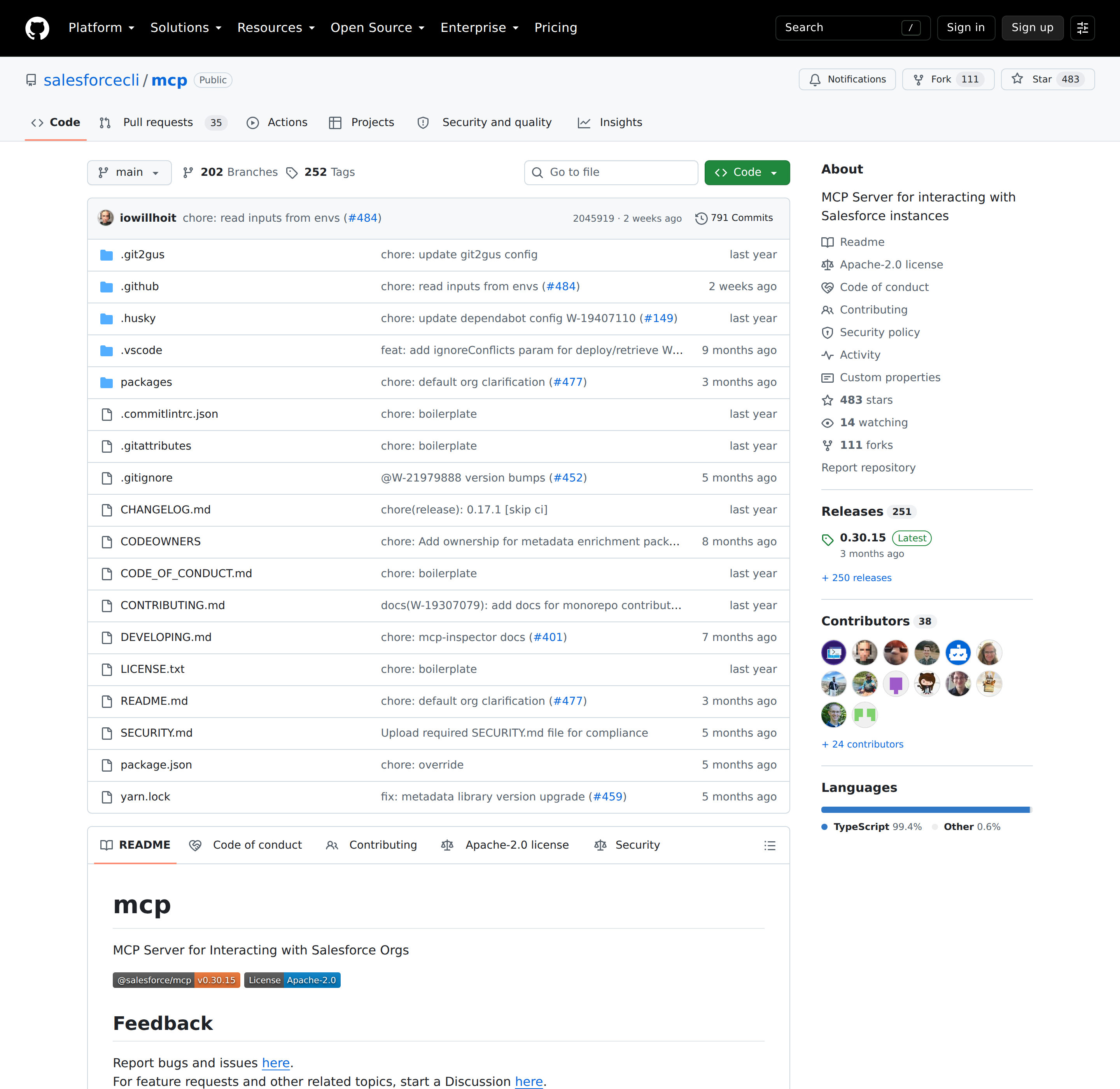
A canonical client config (this exact args shape works across Claude Code, Cline, Cursor, VS Code, and others):
{
  "mcpServers": {
    "Salesforce DX": {
      "command": "npx",
      "args": ["-y", "@salesforce/mcp",
               "--orgs", "DEFAULT_TARGET_ORG",
               "--toolsets", "orgs,metadata,data,users",
               "--tools", "run_apex_test",
               "--allow-non-ga-tools"]
    }
  }
}
Toolsets are the governance lever
The DX server ships over 60 tools. Enabling them all overwhelms the model's context and is the #1 cause of "my MCP client feels dumb" reports. Use --toolsets to load only what a given role needs. The toolsets are:
- core — always enabled (
get_username,resume_tool_operation) - orgs — manage authorized orgs
- metadata —
deploy_metadata,retrieve_metadata - data —
run_soql_query - users — org user management (e.g. assign a permission set)
- testing — run tests
- code-analysis — Salesforce Code Analyzer (static analysis, security, performance)
- devops — DevOps Center work items, commits, PRs, merge-conflict resolution
- lwc-experts / aura-experts / experts-validation — LWC and Aura migration, scaffolding, readiness scoring
- mobile / mobile-core — mobile app capabilities
- enrichment / scale-products — metadata enrichment, Apex performance
The separate --tools flag enables individual tools in addition to a toolset, so you can enable a whole set plus one extra tool from another set.
The DEFAULT_TARGET_ORG trap
Passing DEFAULT_TARGET_ORG or DEFAULT_TARGET_DEV_HUB does not pin the server to one org. Those tokens are resolved dynamically on every tool call, based on what the sf CLI resolves the default org to for the current working directory. If you switch your default org — or open a project with a different local default — the server silently points somewhere else.
If you want the server locked to a fixed set of orgs, pass explicit usernames or aliases to --orgs instead of the DEFAULT_TARGET_* tokens. ALLOW_ALL_ORGS exists but should be used with real caution.
Whole-org questions vs project questions: which server to actually reach for
| You want to ask... | Use |
|---|---|
| "Which enterprise accounts have no activity in 30 days?" | Hosted MCP (SObject Reads / Data 360) |
| "Summarize this account before my QBR" | Hosted MCP |
| "Run this SOQL and explain the trend" | Hosted MCP (or DX data toolset against an authorized org) |
| "Deploy my metadata changes to my scratch org" | DX MCP (metadata toolset) |
| "Why is my Apex test failing?" | DX MCP (testing + code-analysis) |
| "Turn this Aura component into LWC" | DX MCP (aura-experts / lwc-experts) |
A revenue team usually wants the Hosted server. A Salesforce developer wants the DX server. A platform team may want both, connected to different clients so a developer agent never inherits production CRM write access.
Salesforce-specific pitfalls
- Governor limits are real and block hard. Salesforce enforces daily API call limits by edition and license count. Exceed them and all API access is blocked until the limit resets — including the MCP server. Cache aggressively and avoid per-message fresh queries.
- Sandbox and production are different orgs, not different paths. They have different OAuth endpoints and different data. An agent pointed at production while you believe it is a sandbox is the most expensive setup mistake here. Test in a sandbox first.
- SOQL is not SQL. Relationship queries and aggregate functions follow Salesforce's own rules. Expect to debug model-generated SOQL during the first tuning pass; do not trust it on a write path.
- FLS and sharing rules quietly shrink results. The agent sees only what the authenticated user can see, so "missing records" is usually a permissions story, not a bug. That is the feature working — check the user's FLS before debugging the server.
- "Beta" guidance is stale. Anything you read that says Hosted MCP Servers are beta (October 2025) is out of date; they are GA as of April 2026 and the beta terms no longer apply.
- Flex Credits and billing. Hosted MCP usage can be billed. Do not enable it org-wide without checking your Flex Credits arrangement.
DEFAULT_TARGET_ORGis not a lock (see above) — the most common DX-server surprise.- Over-broad toolsets and write servers. Enabling SObject All, or
--toolsets all, hands the agent more surface than any team intends. Start read-only; widen deliberately.
Getting Salesforce answers into a shared thread
MCP gets Salesforce data in front of the model, but the useful output is usually a Slack summary a rep or leader can act on. Once the MCP connection is live, the same assistant can pull the account history, open opportunities, and recent activity and post a rolled-up brief, so the person asking does not need to open Salesforce at all. If your team works across several revenue systems, it is worth connecting HubSpot or Pipedrive the same way so one thread can span CRM and adjacent tools. For the Slack-side setup, see Connecting OpenClaw with Salesforce and How to connect Salesforce to OpenClaw.
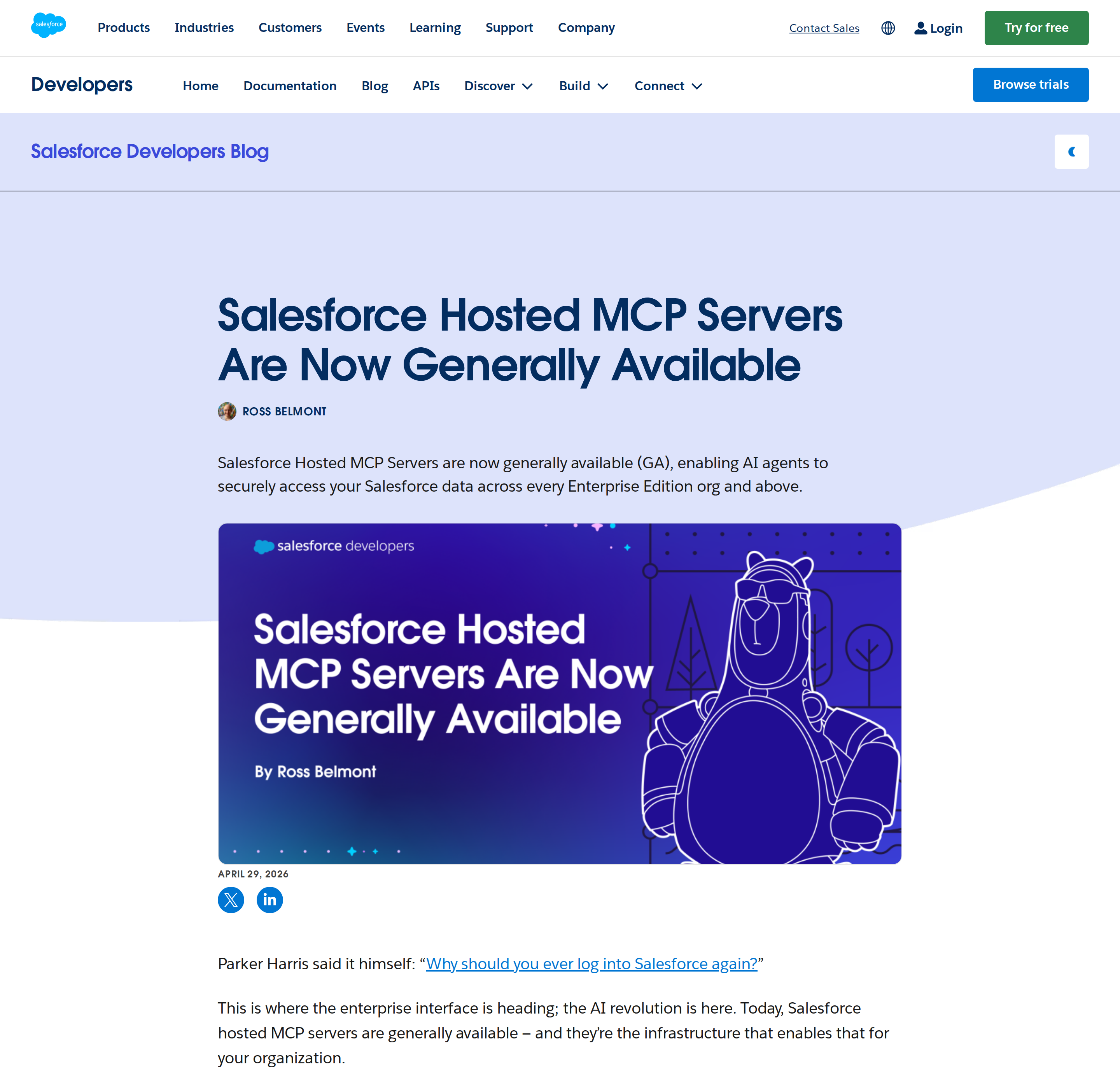
How to Connect Salesforce via MCP
There are two main paths:
Option A: Use Salesforce's official MCP server
Salesforce maintains an official Salesforce MCP server. This is the recommended starting point — it's built and maintained by the Salesforce team, so it stays up to date with API changes.
Note: Two official first-party servers: Salesforce Hosted MCP Servers (GA April 2026, managed, per-user OAuth+PKCE, Flex Credits billing) for org data access, and the Salesforce DX MCP Server (@salesforce/mcp, local npx) for developer workflows like metadata deploy/retrieve and code analysis.
What the server exposes:
- org data
- metadata
- Apex test execution
- records
- SOQL queries
What you'll need:
- An MCP-compatible client (Claude Desktop, OpenClaw, or another host)
- Salesforce credentials configured per the server's setup guide
This path gives you the most control but requires you to handle client configuration and credential management yourself.
Option B: Use Cody (OpenClaw-based, managed)
Cody is built on OpenClaw and supports MCP-compatible integrations out of the box. You connect Salesforce once from the Cody dashboard — no server to run, no code to write — and Cody handles authentication, context passing, and write-back actions with appropriate guardrails.
Cody works where your team already operates: Slack, Telegram, or the web chat. The Salesforce connection is available to your entire team without each person setting up their own MCP client.
Want Salesforce Connected to AI Without Running Your Own MCP Server?
Cody gives your team a Salesforce assistant in Slack, so reps and leaders can review opportunities, account history, follow-up gaps, and forecast risk without wiring Connected Apps, writing SOQL, or maintaining CRM integration glue.
MCP vs Other AI Integration Patterns
| Approach | What it is | Tradeoff |
|---|---|---|
| MCP | Standardised protocol for live tool access | Requires an MCP server; most powerful when set up correctly |
| RAG (retrieval) | Pre-index Salesforce content and retrieve it | Good for static docs; not suitable for live/transactional data |
| Manual copy-paste | Paste Salesforce output into ChatGPT/Claude | Fast to start; breaks for anything recurring or at scale |
| Custom API wrappers | Bespoke integration code per tool | Full control; high maintenance overhead |
MCP wins when you need live data from Salesforce and want to avoid rebuilding integrations as APIs change.
Common Mistakes
- Using training data when live data is needed — if the AI doesn't have an MCP connection, it will answer from memory, which is often outdated or wrong for account-specific questions
- No write-back guardrails — MCP can write to Salesforce, so it's worth adding an approval step for any action that modifies records
- Too many tools exposed at once — give the AI access to the Salesforce actions it actually needs; a scoped connection is easier to reason about and audit
- Skipping structured outputs — ask the AI to return structured JSON or clear fields when writing back to Salesforce; free-form output is harder to validate
Related MCP Guides
Want the full workflow picture? See: Salesforce AI Automation and How to Connect Salesforce to OpenClaw.