n8n is where a lot of self-hosted automation now lives: webhook flows, app-to-app handoffs, cron jobs, queue-backed workers, and increasingly AI-native workflows built from agent, model, and MCP-aware nodes. That makes it a strong fit for an AI assistant that helps teams inspect workflow ownership, review failed executions, explain what broke at the node level, and trigger approved automations from Slack instead of living inside the editor and execution history all day.
How OpenClaw Integrations Work
OpenClaw is a self-hosted AI assistant that runs on your own server — typically an EC2 instance — and connects to Slack. It uses Claude under the hood to process requests. Out of the box, OpenClaw doesn't ship with pre-built connections to third-party tools. Instead, integrations are built using the skills system: markdown files in ~/.openclaw/skills/ that give Claude instructions for a particular domain, combined with HTTP tool calls to any API you expose to it.
In practice, adding a real integration means: getting API credentials from the third-party service, building or configuring a small proxy/endpoint that OpenClaw can call, and writing a skill file that tells Claude how to use it. For some tools this is an afternoon of work. For others — like n8n — it's considerably more involved.
Connecting OpenClaw with n8n: Step by Step
Step 1: Decide Which n8n Workflows Should Be Visible or Triggerable
Before wiring anything up, decide which n8n workflows your team actually needs help with in Slack. Good starting points are lead-routing flows, support-ticket creation, CRM syncs, enrichment handoffs, internal alerts, and approved webhook-triggered workflows that people already ask about repeatedly. The assistant is most useful when it can explain or trigger a focused set of important workflows rather than trying to expose every n8n workflow in the instance at once.
Step 2: Expose Safe Monitoring and Trigger Paths
Use the n8n API and execution history for visibility, and use approved webhook or workflow trigger paths for actions. The goal is to let Cody answer questions like "which workflow failed," "what node broke," or "trigger the approved intake flow" without exposing unsafe admin actions. If you are running newer n8n AI workflows, the same principle applies: expose the workflows, executions, and trigger paths you want the assistant to reason about, not the entire automation surface area.
Step 3: Write the Skill File Around Real Workflow Names, Nodes, and Failure Modes
Write ~/.openclaw/skills/n8n.md with the workflow names your team cares about, what each workflow does, which ones are safe to trigger, what inputs they expect, and how Claude should interpret execution failures. The important behavior is not just listing runs, but helping the team understand workflow ownership, node-level failure points, async follow-up expectations, and the operational handoffs that actually matter.
Challenges and Caveats
Self-Hosted Flexibility Also Means Self-Hosted Operational Responsibility
n8n is powerful partly because you control the instance, credentials, workers, queues, and deployment model. That also means workflow reliability, secret handling, version upgrades, and execution retention are your responsibility. If the assistant is going to surface or trigger workflows, you need clear guardrails around which credentials and actions are actually safe to expose.
Execution History Helps, but Node Errors Can Still Be Noisy
n8n gives you useful execution detail, but failed runs do not always tell a clean story on the first read. A bad input, expired credential, rate-limited downstream API, or retry behavior can all surface as different node-level failures across the same workflow. Cody can narrow the likely failure point and explain the workflow path, but teams should still treat execution logs as diagnostic context rather than magic root-cause certainty.
Triggered Workflows Are Usually Asynchronous
Webhook-triggered or queue-backed n8n workflows usually do not complete synchronously. Cody can confirm that a trigger was sent, explain what workflow should run next, and help inspect later executions, but it should not pretend the entire automation already finished just because the webhook accepted a payload. This matters even more for newer AI-style workflows that call models or wait on downstream tools.
n8n Sits on Both Sides of MCP at Once — That Changes the Whole Setup
The steps in the base template above are the classic self-hosted path: use the n8n API for visibility, use webhook or workflow-trigger paths for actions, and write a ~/.openclaw/skills/n8n.md file that names the workflows your team cares about. That still works, and for a headless OpenClaw running scheduled triage it is still the right backbone.
But before you wire anything, you need one structural fact that most "n8n + AI" guides skip entirely: n8n is not a participant on one side of the Model Context Protocol — it ships first-party nodes for both sides at the same time.
| Node | What it means | When you use it | |
|---|---|---|---|
| n8n as MCP server | MCP Server Trigger | n8n exposes a URL that external MCP clients call; they list and invoke tools you have attached | Letting Claude, ChatGPT, or a self-hosted OpenClaw drive your n8n workflows |
| n8n as MCP client | MCP Client Tool | Your n8n AI Agent calls external MCP servers as tools | An n8n agent that reaches into HubSpot, Slack, a database, or Cody |
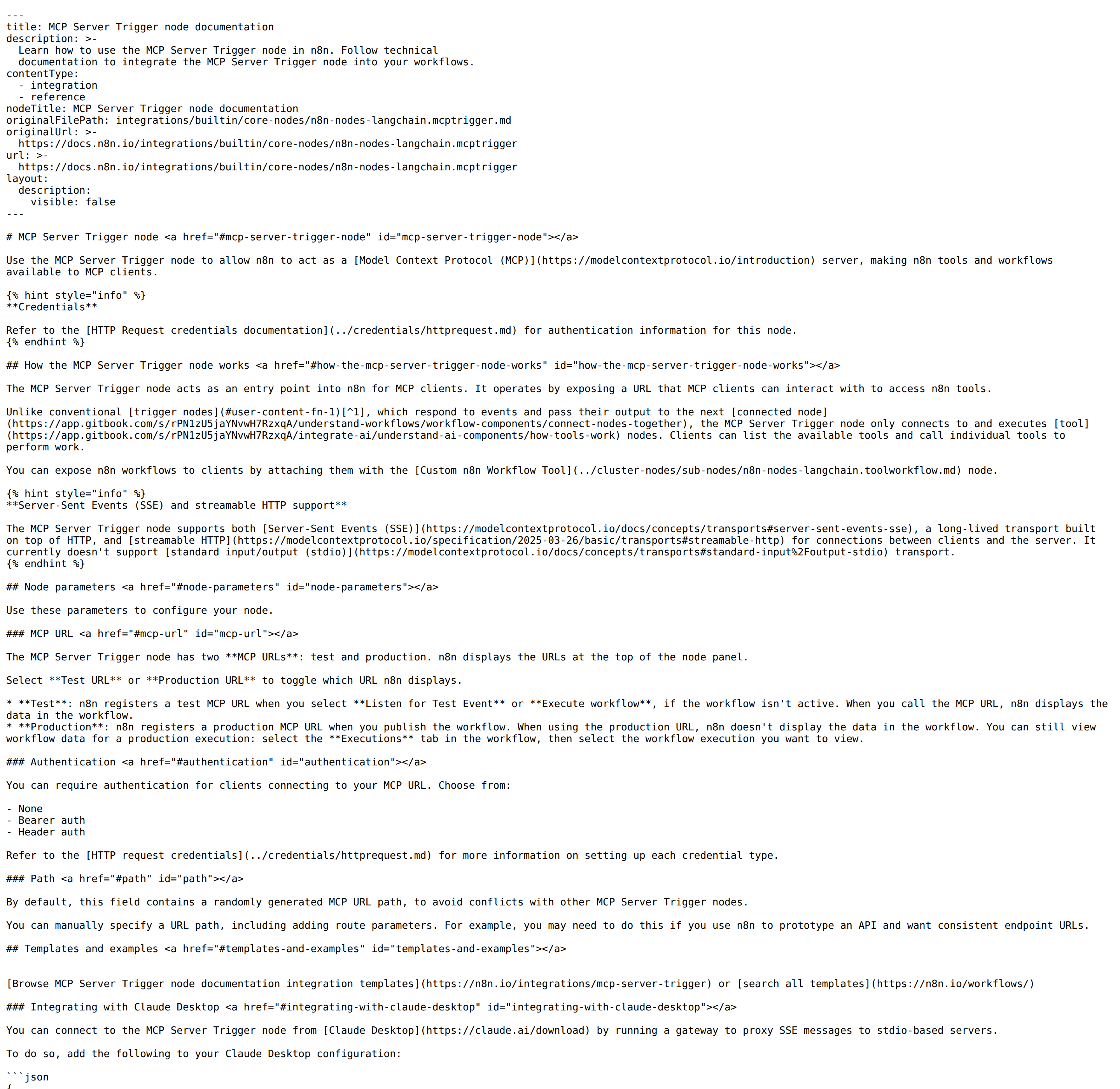
The MCP Server Trigger node is how n8n becomes an MCP server. It connects only to tool nodes and exposes an MCP URL — it is not a normal trigger that passes data to the next node.
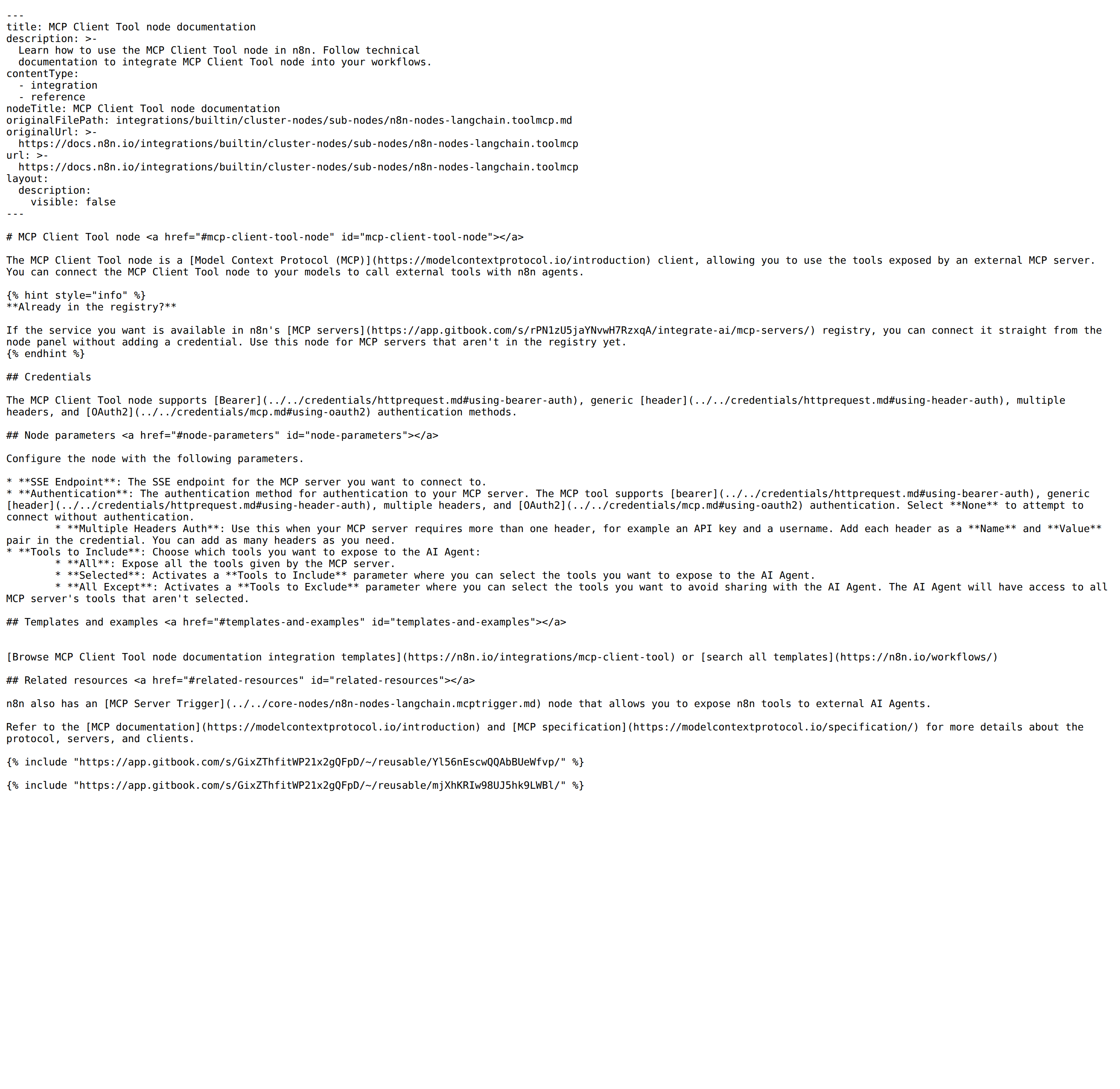
The MCP Client Tool node is the mirror image: it points at an external MCP server so an n8n AI Agent can call its tools.
Getting these two backwards is the single most common mistake on this page. If you are trying to let OpenClaw trigger your n8n workflows, you need the MCP Server Trigger. If you are trying to let n8n call out to another service, you need the MCP Client Tool. They are different nodes with different configs and different failure modes.
And the second fact that pairs with it: there is no official hosted n8n MCP endpoint. There is no mcp.n8n.io the way there is an mcp.stripe.com or mcp.hubspot.com. n8n ships core nodes inside the product, which means the honest answer to "does n8n have an MCP server?" is: yes, and you build it yourself inside a workflow. That is a meaningfully different mental model from every hosted-MCP integration on this site, and it is why the paths below look the way they do.
Path A: MCP Server Trigger (Let OpenClaw drive your n8n workflows)
This is the path most readers of this page actually want. You build a workflow whose trigger is the MCP Server Trigger node, attach one or more tool nodes to it — including n8n workflows themselves via the Custom n8n Workflow Tool node — and n8n publishes an MCP URL that any MCP-compatible client can call.
Clients can then list the available tools and call individual tools to perform work. Note the shape: the MCP Server Trigger only connects to and executes tool nodes — it does not hand data to a next node the way an ordinary trigger does.
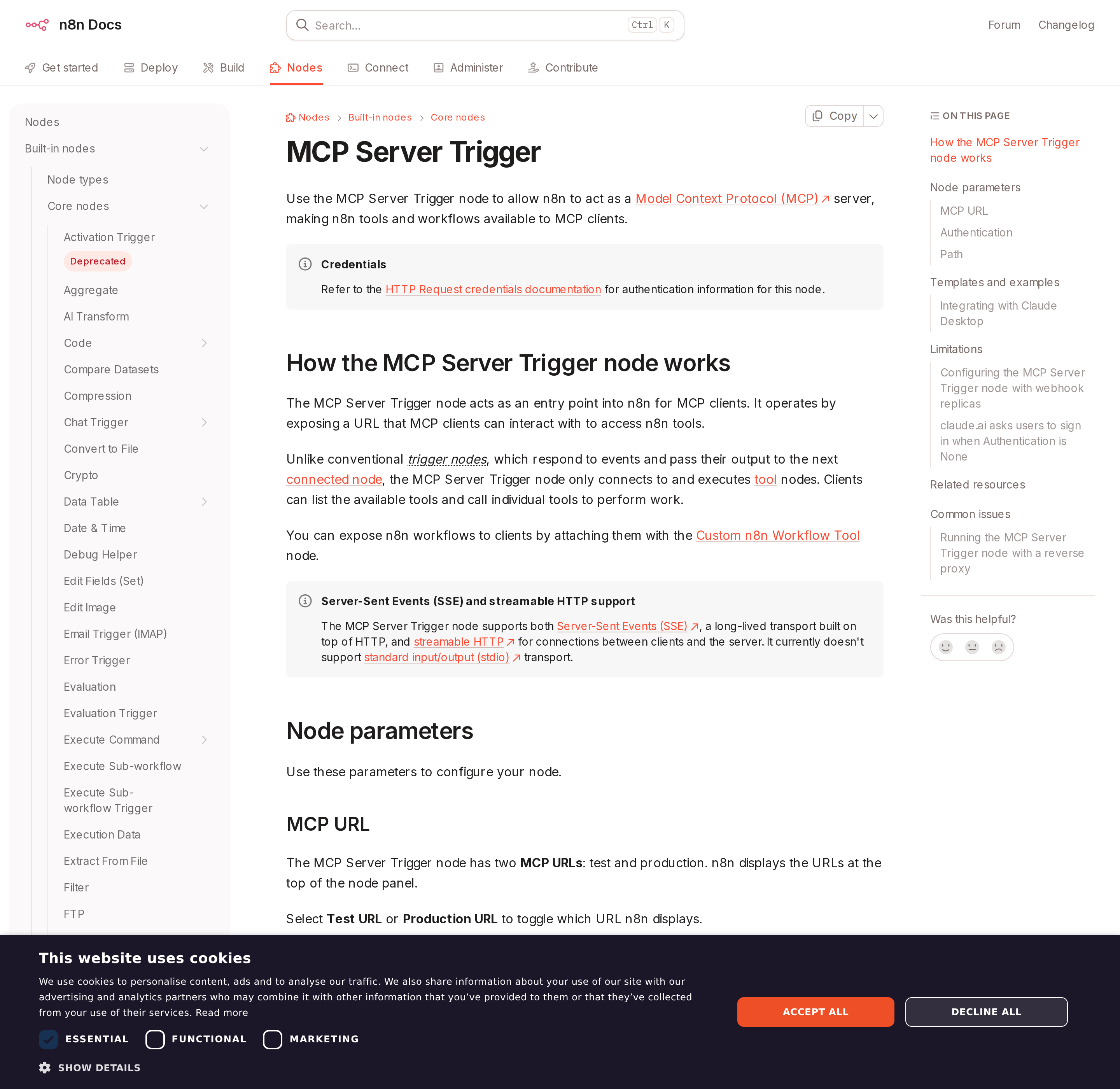
The Test URL vs Production URL trap (read this before you debug anything else). The node exposes two MCP URLs, and they behave differently:
- Test URL — registered only when you select Listen for Test Event or Execute workflow, and only while the workflow is inactive. When you call it, n8n displays the data in the workflow editor.
- Production URL — registered when you publish/activate the workflow. Calling it does not show data in the editor; you inspect it afterwards under the workflow's Executions tab.
So a client that works perfectly all afternoon and then "randomly" stops after you activate the workflow is almost always pointed at the Test URL. That failure looks like an auth or network problem and is neither.
Authentication is set on the node itself: None, Bearer auth, or Header auth. Use Bearer or Header for anything a self-hosted agent calls — None means anyone who knows the URL can invoke your workflows.
Transport: the node supports SSE and streamable HTTP. It does not support stdio. That single limitation explains a whole class of broken tutorials: any config block that says "command": "n8n" with an args array is describing a community wrapper, not n8n's own node. To reach n8n from a stdio-only client (like Claude Desktop) you run a gateway that bridges stdio to HTTP — n8n's own docs use mcp-remote:
{
  "mcpServers": {
    "n8n": {
      "command": "npx",
      "args": ["mcp-remote", "<MCP_URL>", "--header", "Authorization: Bearer ${AUTH_TOKEN}"],
      "env": { "AUTH_TOKEN": "<MCP_BEARER_TOKEN>" }
    }
  }
}
A self-hosted OpenClaw is an HTTP-capable MCP client, so it can point straight at the Production URL with a Bearer header and skip the bridge entirely.
Path B: MCP Client Tool (Let n8n agents call external tools)
The other direction. The MCP Client Tool node is an MCP client you hang off an n8n AI Agent. Its parameters:
- SSE Endpoint — the MCP server you want to consume.
- Authentication —
None, Bearer, generic header, multiple headers (e.g. an API key and a username), or OAuth2. - Tools to Include —
All, Selected (an explicit allowlist), or All Except (a denylist).
That last parameter is the governance lever most teams miss: you do not have to expose every tool an external server offers to your agent. An All Except list is the cheapest way to keep a write-capable tool out of an agent that should only read.
One more useful detail from n8n's own docs: if the service you want is already in n8n's MCP servers registry, you can connect it straight from the node panel without adding a credential. The MCP Client Tool is for servers that are not in the registry yet.
Path C: The n8n API + Skill File (the headless path that actually runs unattended)
MCP is conversational: a client asks, the server answers, inside a session a human or an agent started. For a self-hosted OpenClaw that is supposed to work without a human, the backbone is still what the base template describes — the n8n REST API for execution and workflow visibility, approved webhook paths for triggers, and a skill file that names the workflows.
There is real value in a hybrid: use the MCP Server Trigger for interactive, in-chat requests ("trigger the approved intake flow"), and keep API + webhook paths for the scheduled jobs — the 8 AM failed-execution digest, the nightly "which workflows have been silently failing?" sweep. MCP does not replace the scheduled path; it complements it.
Real Workflows: What n8n + OpenClaw Actually Does
Concrete jobs mapped to the base template's "workflow visibility, execution triage, safe automation triggers" brief.
1. Failed-execution triage as a Slack digest (scheduled, headless → Path C)
Every morning, a scheduled job pulls the last 24 hours of executions from the n8n API, filters to failures, and posts a digest that names the workflow, the failing node, and the most likely cause. This is the highest-value n8n job there is, because n8n's execution history is deep but not searchable in the way a team actually thinks.
"Which n8n workflows failed overnight, and which node broke in each?"
"3 failures in the last 24h: •
Lead Router— failed at node HubSpot: Create Contact (401, credential expired) •Invoice Sync— failed at node HTTP Request (429 from QuickBooks, retried twice) •Morning Digest— failed at node Code (TypeError: readingitems[0]) Suggested first action: refresh the HubSpot credential, then re-runLead Router."
2. "Who owns this workflow?" — ask instead of digging
A new team member needs to know what a workflow does and whether it is safe to touch. The assistant answers from the skill file plus the workflow's own metadata.
"What does the
Stale Deal Notifierworkflow do, and can I trigger it?"
"It runs daily at 09:00 and posts stale deals to #sales-triage. Safe to trigger manually with no inputs — but it writes to a Slack channel, so it is not a dry run."
3. Approved trigger from chat (interactive → Path A, MCP Server Trigger)
A support lead wants to re-run the intake flow after a fix, without opening the editor.
"Trigger the approved intake flow for ticket #48213."
"Triggered. Execution
#9812is running. Note it is webhook-based, so this confirms the trigger was accepted — not that the downstream CRM write finished. I will check the execution in a moment."
4. Node-level failure explanation
n8n gives good execution detail, but a failure rarely tells a clean story on first read.
"Why did
Invoice Syncfail twice last night?"
"Different causes. The first failure is a 429 rate limit from the downstream API — n8n retried and it succeeded. The second is a timeout on the HTTP node at 30s. Your retry config covers the 429 but not the timeout; consider raising the HTTP node timeout or moving it to async."
5. Cross-tool context in one thread
Because OpenClaw can hold several integrations at once, one Slack thread can mix n8n (which automation ran) with the system it touched (why it failed), so a triage conversation does not require four tabs.
n8n-Specific Pitfalls (What Generic Guides Miss)
The gotchas that actually bite, straight from n8n's own documentation and from the two-sided-MCP structure above.
-
You built the wrong node. MCP Server Trigger (n8n is the server) vs MCP Client Tool (n8n calls a server). If OpenClaw cannot see your workflows, you almost certainly built the client, not the server.
-
Test URL vs Production URL. The Test URL only exists while the workflow is inactive and only after you click Listen for Test Event / Execute workflow. The Production URL requires the workflow to be published/active. A working-then-suddenly-broken client is usually this, not auth.
-
stdio is not supported. Any
"command": "n8n"config block describes a community wrapper. n8n's node speaks SSE and streamable HTTP only. Use anmcp-remotebridge for stdio-only clients. -
Authentication: Nonedoes not mean "no sign-in prompt." n8n's docs are explicit: claude.ai custom connectors ask you to sign in to n8n even when Authentication is set to None, because your instance offers n8n user auth for other triggers and claude.ai assumes every MCP endpoint on your domain uses it. claude.ai is the only client known to do this. It is a client quirk, not a misconfiguration. -
The reverse-proxy hang. Behind nginx, an MCP endpoint that is not configured for SSE or streamable HTTP will hang rather than error — and a hang gets misdiagnosed as auth or firewall. n8n's docs give the location block:
proxy_buffering off,gzip off,chunked_transfer_encoding off, andproxy_set_header Connection ''. Crucially these must be set on the MCP location block itself, because otherwise they are inherited from elsewhere in your config rather than applied. -
Queue mode with multiple webhook replicas breaks SSE. Long-lived connections need the same instance. With a single webhook replica the MCP Server Trigger works fine. With multiple replicas you must route all
/mcp*requests to one dedicated webhook replica — n8n's docs suggest a separate replica set with one webhook container for MCP — or your connections will frequently break. This only shows up under load, which is the worst time to find it. -
A webhook accepting a payload is not the automation finishing. n8n workflows are frequently queue-backed and asynchronous. OpenClaw should confirm the trigger was accepted, then inspect the execution — not narrate the outcome as done. The base template's third caveat is the one to actually enforce.
-
Self-hosting concentrates the operational risk on you. n8n being self-hosted is the whole appeal — you own credentials, workers, queues, and upgrades — and that is also why workflow reliability, secret handling, and execution retention have no vendor to escalate to. If the assistant is going to surface or trigger workflows, the guardrail is scoping: expose a focused set of workflows to the agent, not the entire instance.
Also worth reading before you trust an agent with your instance: n8n's own MCP guide covers the node-level detail on the MCP side, and Connecting n8n to OpenClaw: the model-flexible setup guide covers model choice and the wider workflow surface.
Also read
- n8n MCP — Connect n8n to Claude, ChatGPT, and Other AI Assistants — the node-level deep dive (Server Trigger vs Client Tool, transports, and the instance-level MCP settings)
- n8n AI Automation — the automation-collection view of the same tool, for the non-MCP workflow surface
- Connecting OpenClaw with Zapier: A Practical Guide — the hosted-SaaS contrast: Zapier gives you a managed MCP endpoint, n8n makes you build the server yourself
- Connecting OpenClaw with Make: A Practical Guide — the second automation-platform comparison, with a cloud-hosted MCP server and its own plan split
- Connecting OpenClaw with GitHub: A Practical Guide — the most direct fit for n8n's developer-centric workflows (CI events, issues, releases)
If your team wants automation visibility like this without running and maintaining an n8n instance, Cody gives you an AI assistant in Slack for the same triage questions.
Skip All of This — Use Cody Instead
Cody gives your team an n8n AI assistant in Slack, so people can inspect workflows, review failed executions, explain automation ownership, and trigger approved flows without living inside the n8n editor or building a separate ops surface for automation triage.
Related Guides
- Connecting OpenClaw with Zapier: A Practical Guide
- Connecting OpenClaw with Make: A Practical Guide
- Connecting OpenClaw with Github: A Practical Guide
Need the model-flexible version? See: How to Connect n8n to OpenClaw: Setup, Models, and Workflow Guide.